Auto Focusing Areas & when to use them
Selecting Autofocus Areas and When to Use Them
Objective
In this lesson, you’ll learn about the different autofocus (AF) area modes available on most cameras and understand when to use them to create sharp, well-focused images.
What is Autofocus (AF)?
Autofocus is a system that helps your camera automatically adjust its lens to bring your subject into sharp focus. It’s particularly useful for beginners, as it eliminates the guesswork in focusing, allowing you to focus (pun intended!) on composition, lighting, and other elements of photography.
However, different AF Areas are designed for different scenarios, so understanding them will help you make the most of your camera’s capabilities.
Choosing the right AF Mode / Drive Mode first
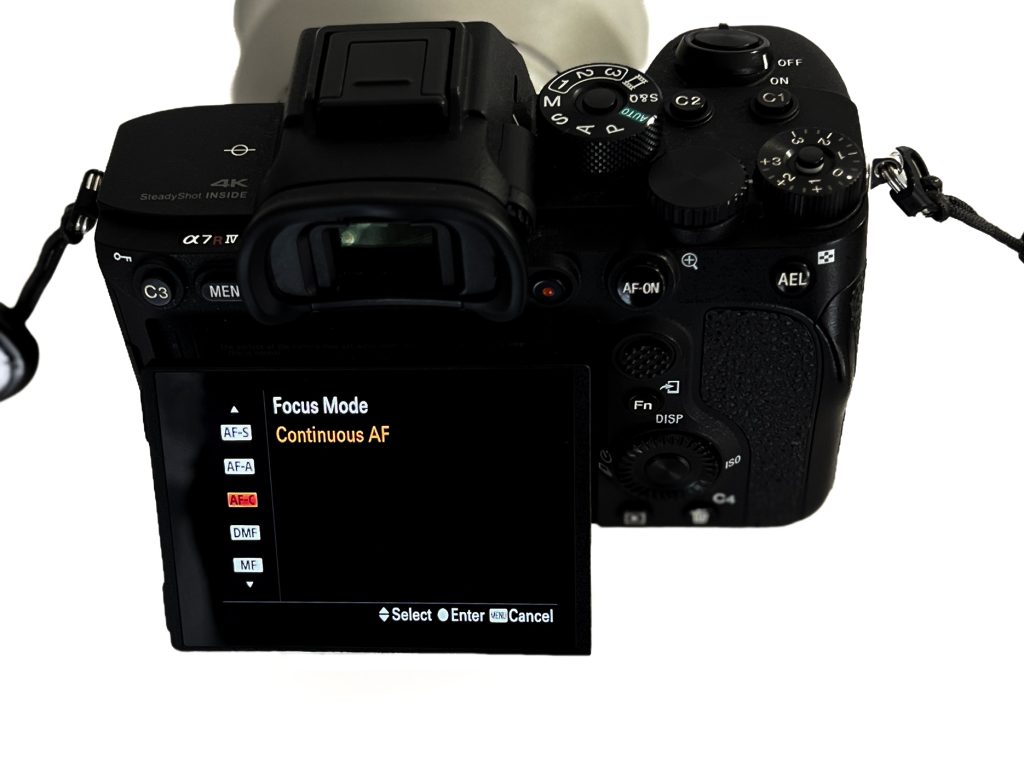
- Single AF (AF-S/One-Shot AF): Locks focus when you half-press the shutter or use Back Button Focus. Ideal for still subjects. Primarily used for single shots of a subject before refocusing
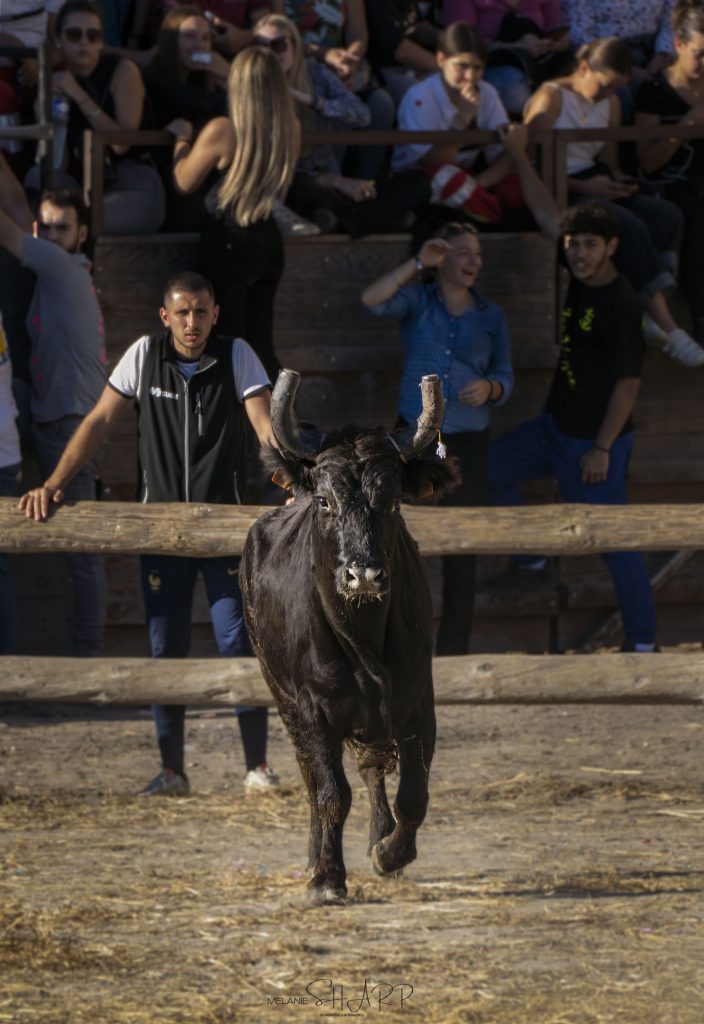
- Continuous AF (AF-C/AI Servo AF): Continuously adjusts focus as you follow a moving subject. Great for action & animal shots or when you need to take multiple shots at once. The speed of the photos taken can also be adjusted in the menu.
TIP: don’t confuse AF Modes and AF Areas. Though they are complimentary and both vital to your shooting, you will need to select them seperately from the menu.
Key Autofocus Area Modes
Each camera manufacturer (Sony, Canon etc) might label these modes differently, but they generally fall into similar categories:
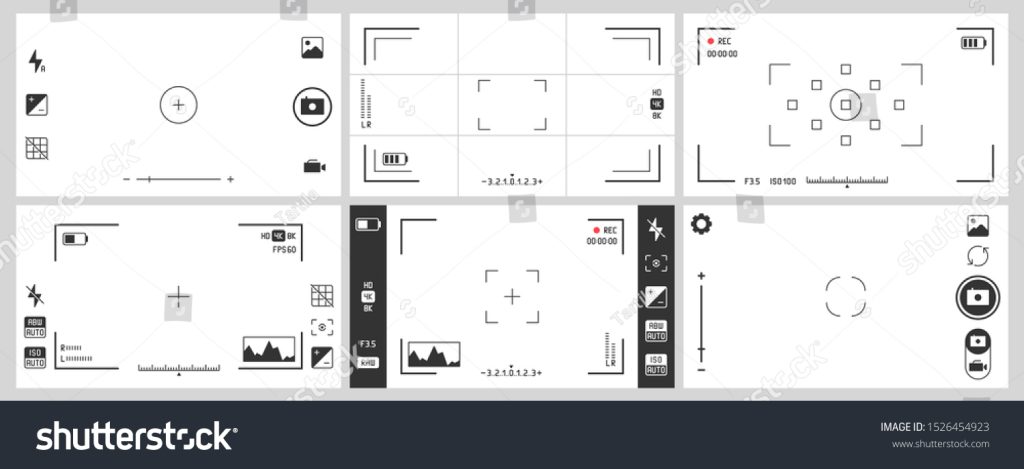
Single-Point AF
Dynamic AF (also known as Zone AF)
Wide-Area AF
Automatic AF Area Selection
Face/Eye Detection AF
Single-Point AF
How It Works:
Single-Point AF lets you manually select a single focus point within the frame, which the camera will use to achieve focus.
When to Use It:
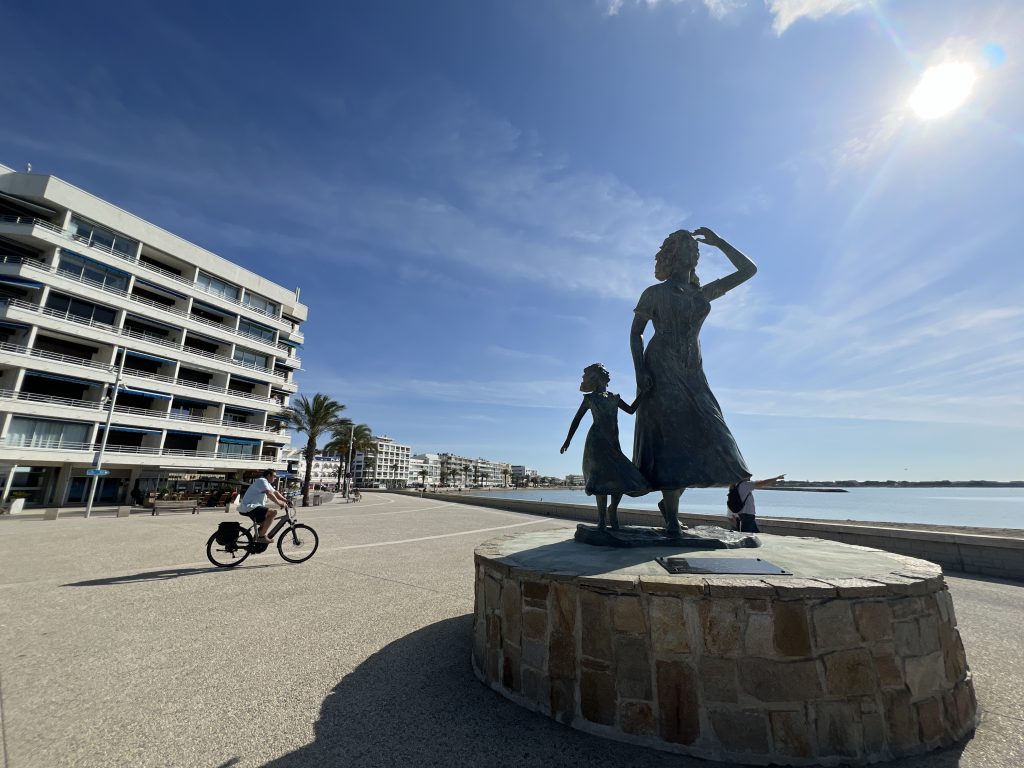
Single Point AF is probabily the most used and basic of all the focus area options. It allows you, the photographer, to focus on a subject to get the image you want – if you keep the subject in the frame, the single focus point on the subject and you are using Continuous AF, the camera will automatically adjust focus to keep that area sharp. You can adapt how much of the subject and background is in focus by altering the Aperture.
- Portraits: Use Single-Point AF to focus precisely on the eyes, which are the most important point in a portrait.
- Still Life: For close-up or macro photography, where precision matters, like focusing on a single flower petal or a product detail.
- Landscapes with a clear focal point: If you have a prominent subject in your frame (like a mountain or tree), you can select it with Single-Point AF.
Tip: Use the centre point for even sharper focus since most cameras have their most sensitive AF point at the centre. How many focus points you have to choose from will depend on your camera – higher end cameras tend to have more options.
Dynamic AF (Zone AF)
How It Works:
With Dynamic or Zone AF, you select a focus point as your primary area, but the camera also considers surrounding points. If your subject moves slightly, the camera can adjust within the zone to maintain focus.
When to Use It:
- Sports/Action Photography: When photographing moving subjects like athletes or animals, Dynamic AF helps keep them in focus even if they move a bit.
- Events/Street Photography: When people are moving around in a confined space, Dynamic AF is handy as it allows some flexibility in tracking movement without changing the main AF point.
Tip: You may have options for zone sizes (e.g., small, medium, or large zones). Choose a smaller zone for precise tracking or a larger zone for broader coverage with fast-moving subjects.
Wide-Area AF
How It Works:
Wide-Area AF typically allows you to select a larger area of the frame. The camera will automatically focus on the subject that it perceives as the most prominent within that area. It ca also be used with tracking mode, for example Birds in Flight as it will follow the subject (in a clear space) and ‘lock on’. But it can be a little hit and miss as it may focus on the wrong area or subject, such a tree or bushes
When to Use It:
- Group Shots: For group photos, wide-area AF ensures everyone within a specific region of the frame is in focus.
- Landscapes: When you want a wide section of the frame in focus but don’t have a single point of interest.
- Casual Photography: Great for everyday photography where you don’t want to spend much time manually selecting AF points.
Tip: Be cautious about unintended objects appearing more prominent in your frame, as the camera may focus on those instead of your intended subject.
Automatic AF Area Selection
How It Works:
In this mode, the camera assesses the scene and chooses the best focus points on its own, typically locking onto the closest object.
When to Use It:
- Quick Shots: When you don’t have time to adjust focus points, like capturing candid moments.
- Unpredictable Situations: If you’re photographing in a dynamic environment with lots of motion, like a child’s birthday party, Automatic AF can be useful.
Tip: This mode can be hit or miss. The camera might focus on something you didn’t intend if other elements in the scene are more prominent. Use it for informal, quick shots rather than critical compositions.
Face/Eye Detection AF
How It Works:
Face/Eye Detection AF is a specialized mode in which the camera identifies and focuses on faces or eyes automatically.
When to Use It:
- Portraits: Ideal for portrait photography since the eyes should be the sharpest part of the face.
- Wildlife: Some advanced cameras now offer Animal Eye AF, helpful for photographing pets or wildlife to get the eyes sharp, even if the subject is in motion.
- Vlogging or Selfies: When you’re photographing yourself, this mode will keep you in focus without manual adjustments.
Tip: For the best results, combine this with Single-Point AF if your camera allows it to focus specifically on one person in a crowd. Some models of camera allow you to switch eye / face detection on or off, as well as human / animal priority in the menus.
Choosing the Right Autofocus Area for Different Scenarios
Scene | Best AF Area Mode | Why |
Portraits | Face/Eye Detection, Single-Point | To ensure eyes are in focus |
Sports or Wildlife | Dynamic/Zone AF | For tracking moving subjects |
Landscapes | Wide-Area AF, Single-Point | To focus on a particular spot or cover broader focus |
Street Photography | Dynamic AF, Automatic Selection | To handle spontaneous motion |
Group Shots | Wide-Area AF | To keep everyone in focus |
Macro Photography | Single-Point AF | For precise focus on small subjects |
Practice Exercise
- Portrait Focus: Use Single-Point AF or Eye Detection to photograph a person, focusing on their eyes. Notice how sharpness improves.
- Action Tracking: Try photographing a moving pet with Dynamic AF, testing how well it stays in focus.
- Group Shot: Use Wide-Area AF for a group photo. Check if everyone in your selected zone is sharp.
If you would like feedback on this exercise – please email your pictures and any written explanation you wish to add to me, title it as ‘AF Areas Exercise’ and i will get back to you. This service is free, but limited to a general overview. For a more in depth critique and discussion of your work, please book a 1to1 session with me.
Summary
Selecting the right AF mode can help you bring out the best in each scene and avoid frustrating focus misses. Experiment with these modes in various situations to understand their strengths and limitations. Over time, this will become second nature, giving you better control and creative freedom with your photography.
By understanding and practicing AF modes, you’ll capture sharper, more professional-looking photos regardless of the situation!
Melanie Sharp is a photographer and zootographer, click on the link to fnd out more [link to about us]. These lessons are offered to our members for free. If you would like a copy of this lesson for reference, please email me and i will send you a digital copy for print or storage. Please do not share this content with social media or other people, reproduce it or distribute it. Contact me on [email] for more information and your download link.
Please join me on Instagram, My Portfolio or pop over to our events page for more information on meet-ups, paid membership & in person tuition. I run ‘fun days out with your camera’ at various locations across the country. Check [page] for whats coming up next.